01
Know where it goes.
Log expenses and income, organise them by category, and turn everyday entries into a useful monthly overview.
 PocketNorth
See where your money goes. Make room for what matters. PocketNorth brings your spending, accounts, and budgets into one clear picture.
Start on the web. No bank connection required.
A few small habits. One place to keep them.
Log expenses and income, organise them by category, and turn everyday entries into a useful monthly overview.
Set category budgets and see what you’ve spent and what’s left. Make your next decision with the numbers in front of you.
Choose your currency during setup. Change your overview currency later and keep accounts in their own currencies.
When you’re ready to look further ahead, bring savings, investments, subscriptions, and net worth into the same picture.
Find your starting pointCreate an account and choose your overview currency.
Enter your accounts and balances. No banking credentials needed.
Log your spending, set your budgets, and check in as you go.
Choose your currency, add your accounts, and follow the optional guide. Your Wallet, Budget and Insights tabs keep the everyday picture close.
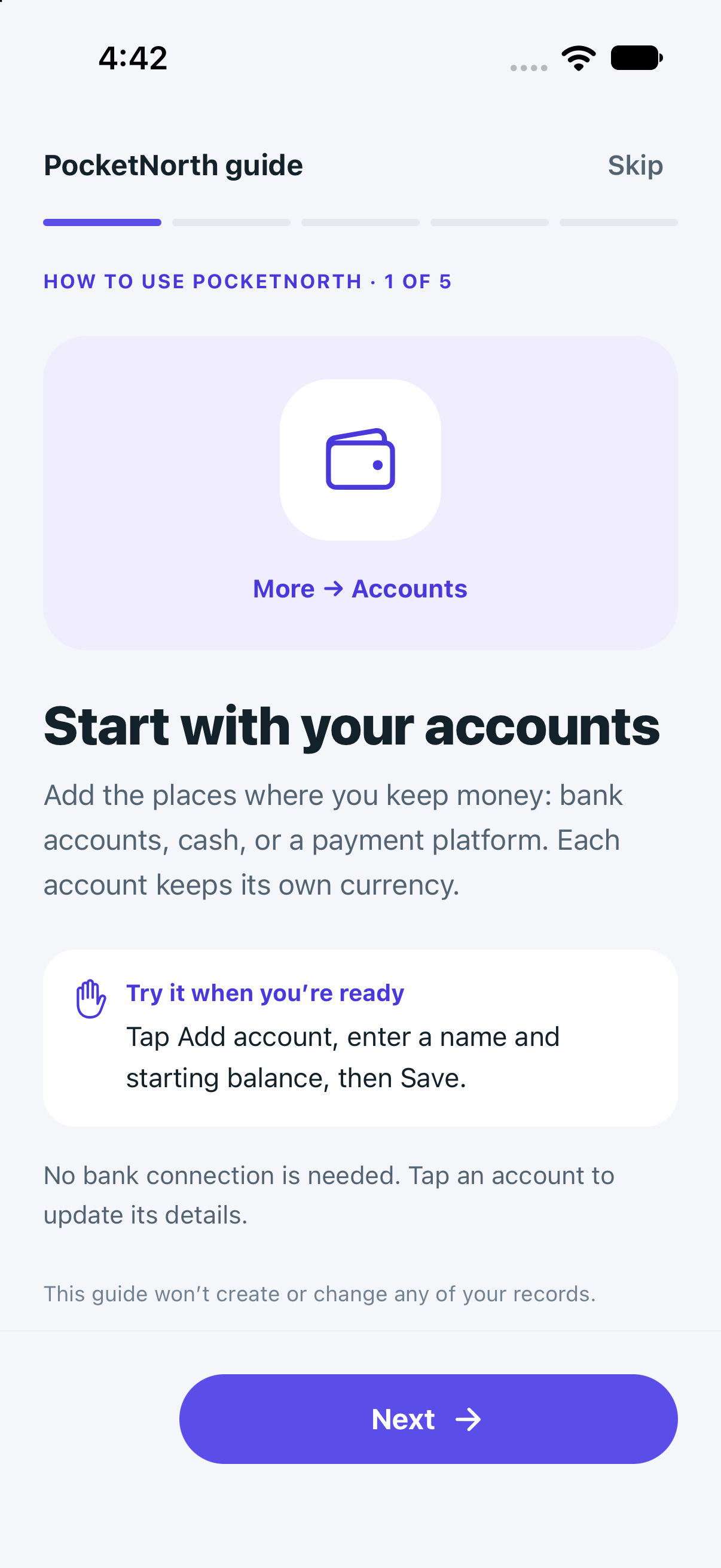
Set up the places where you keep your money.
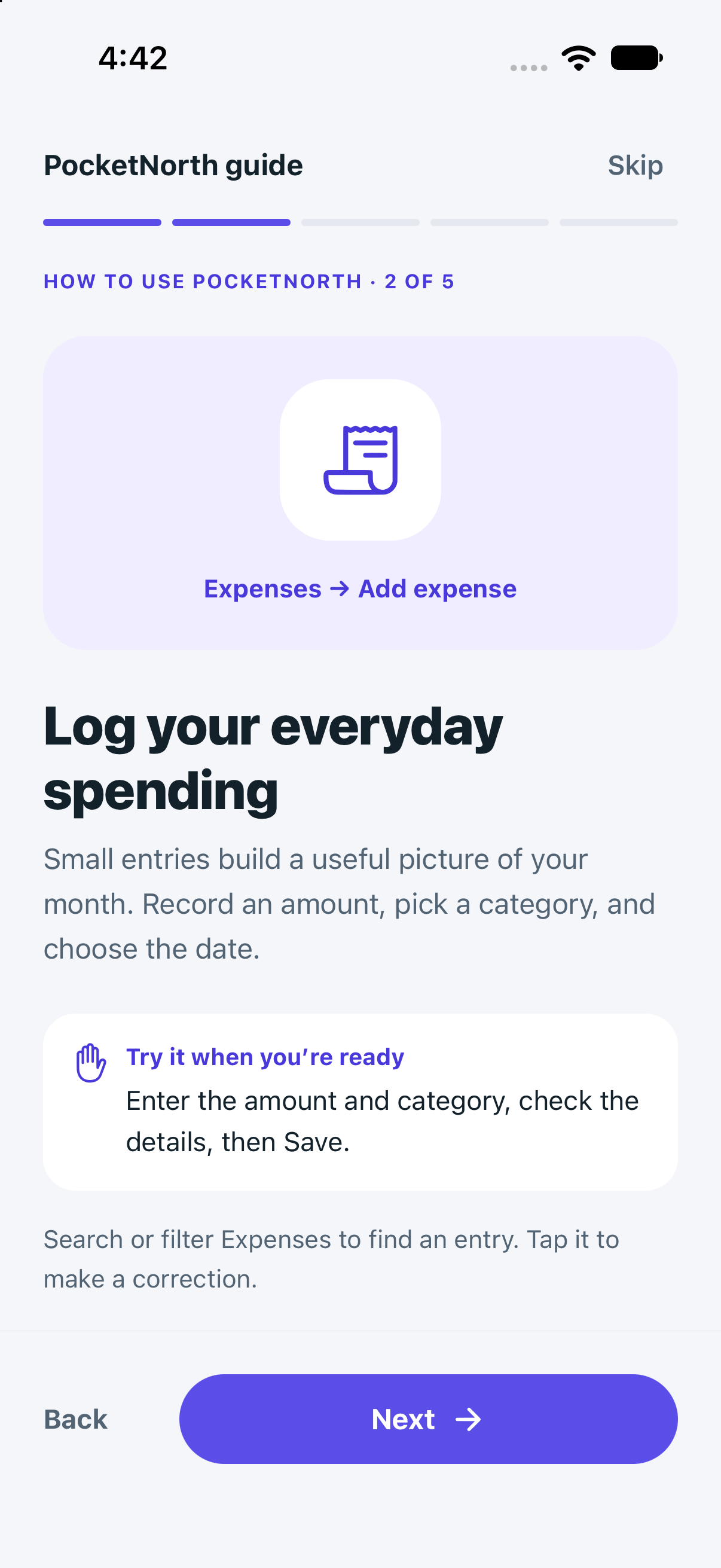
A guided introduction to recording your spending.
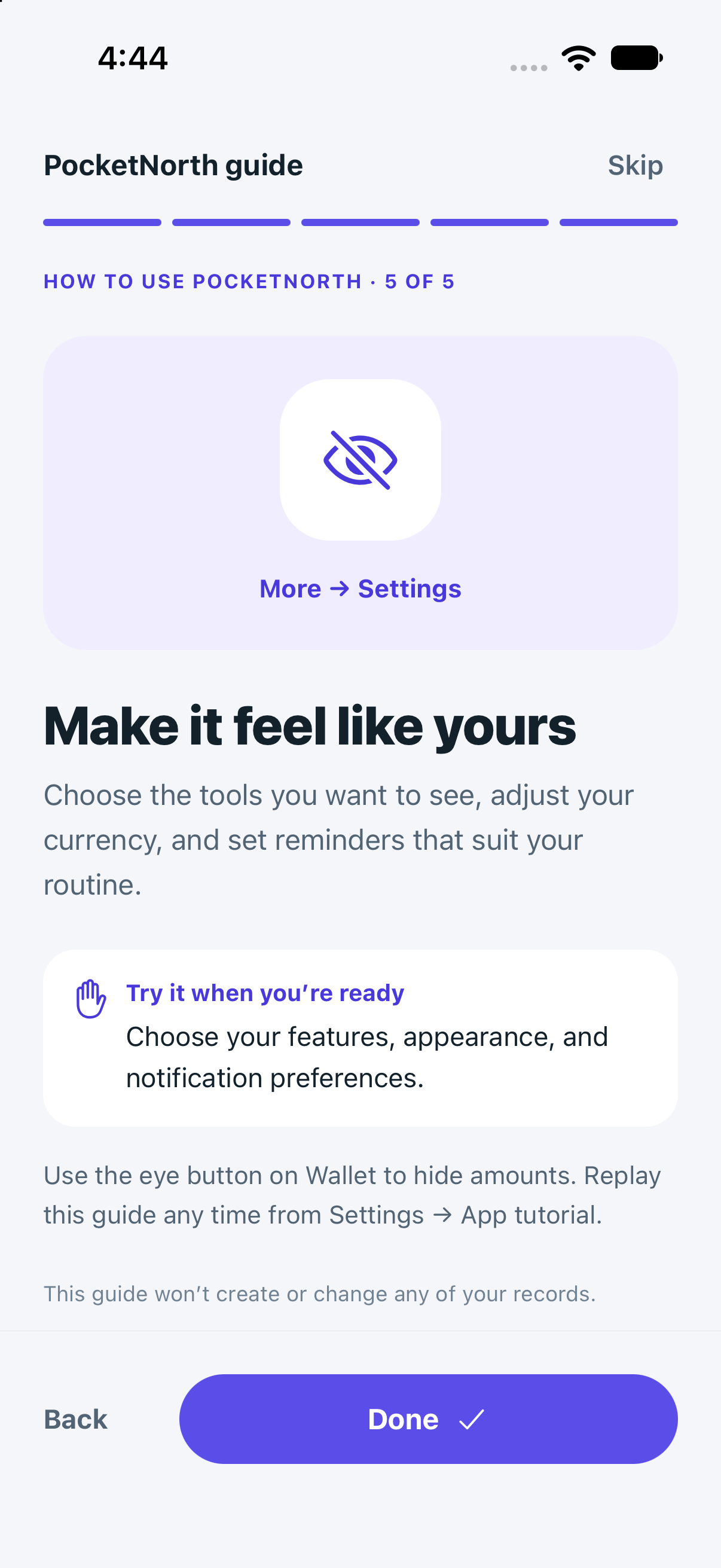
Hide amounts and replay the guide whenever you need it.
Screenshots from the iPhone TestFlight beta. Start free on the web while public App Store availability is being prepared.
Choose the tools that fit the way you manage money.
€0 to get started
More perspective.
Explore Plus in the app. Available purchase options and prices are shown before checkout.
No bank passwords. No advertising tracking. Optional diagnostics are off until you enable them. You can delete your account in Settings.
No. You enter your balances, expenses, and income yourself. PocketNorth does not connect to your bank, move money, or ask for your banking password.
Track expenses and income, use up to two active financial accounts, and set up to three active category budgets. You can export your financial records on the web and delete your PocketNorth account from Settings.
Plus expands account and budget limits and adds tools for savings, investments, net worth, subscriptions, retirement, and more. Available purchase options and their prices are shown in the app before checkout.
An iPhone app is in TestFlight beta. This page currently offers access to the web app; public App Store availability will be announced when the iOS release is ready.
Your entries are stored on our server and linked to your account so they can sync across devices. Optional app diagnostics are off by default. Our privacy policy explains processing, retention, and deletion.
Your money. Your direction.
Start free